
The buyer matters.
Mixed-color loads can need several ports. Unique items and mutated cargo add separate buyer conditions; the Index can identify where an individual item sells.
Find the correct buyer →Get the cargo there in one piece. Find the right buyer, finish your first voyage and check what you actually earned.
For Ship The Cargo by Big Boat Small Boat · Unofficial fan reference · No Roblox login needed
For ordinary cargo, match its color to the port. Special cargo needs its own buyer.
At Red Port, buy green cargo you can afford, place it on the boat and sail to Green Port. Sell it there; buy red cargo for the return to Red Port.
Follow the buy, place & sell sequence →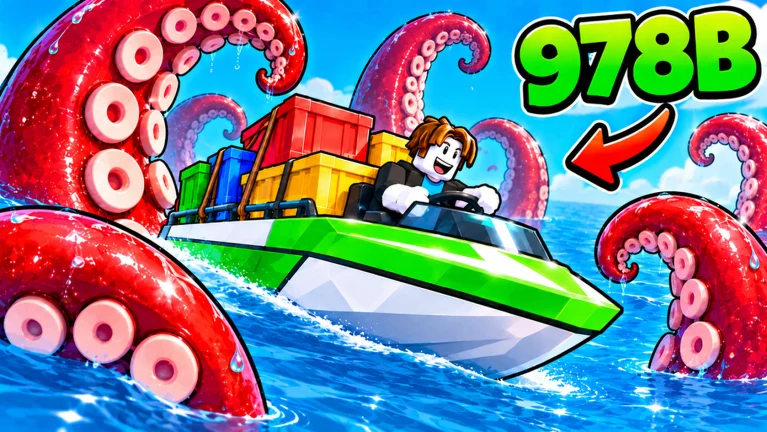
Start with affordable cargo for one buyer.
Place the cargo, then confirm the load stays on the deck.
Slow and turn around obstacles before an impact scatters it.
Use the matching buyer and check the sold-cargo result.
The destination, a safe load and the real cost of a voyage matter together.
Mixed-color loads can need several ports. Unique items and mutated cargo add separate buyer conditions; the Index can identify where an individual item sells.
Find the correct buyer →Subtract every cargo purchase, including items lost at sea. Keep upgrade spending and one-off Index rewards separate when comparing deliveries.
Check your trip result →Impacts can scatter the load. A manageable shipment and controlled approach come before assuming a faster engine will fix the trip.
Read the hazard responses →A successful sale can still leave you down after purchases and upgrades. Use the cargo page's ledger with the amounts you actually spent and received.
Calculate actual trip profit →sale receipts
− cargo purchases
− trip gear & upgradesInclude lost cargo in the original purchase total once. The tool uses your entries; it does not predict prices or access your account.
Each guide adds the steps or conditions for a different part of the voyage.
Buy, place and sell a manageable load, then bring red cargo back on a normal Red–Green round trip.
Use the full port/special-buyer reference and the actual profit or loss ledger.
Separate deck-space, speed and handling problems before spending the next shipment budget.
Recognize ocean threats and follow the recovery checks when cargo goes overboard.
See the dated code result and exact official game links without guessed reward strings.
Check the ordinary crate color, special-item type and the Index destination. Red, green and blue normal cargo go to their matching ports; the cave and Mutation Island have different conditions. Check a rejected sale.
Check the symptom first. Cargo that does not fit is a deck-space problem; cargo scattering at obstacles is a handling problem. Inspect engine speed only after you can complete a controlled load. Use the upgrade checklist.
No recovery guarantee is established. Try to retrieve visible reachable cargo promptly and reload safely; if it disappears, keep its cost in the trip ledger. Follow the recovery steps.
No confirmed code or redemption interface was found in the reviewed sources on November 8, 2026. See the dated code status and official links.
Know what the answer is based on.
Official game identity and selected gameplay were reviewed on November 8, 2026. Prices and controls can change; this wiki does not claim a personal game playtest or guaranteed earnings.